Haven Vault
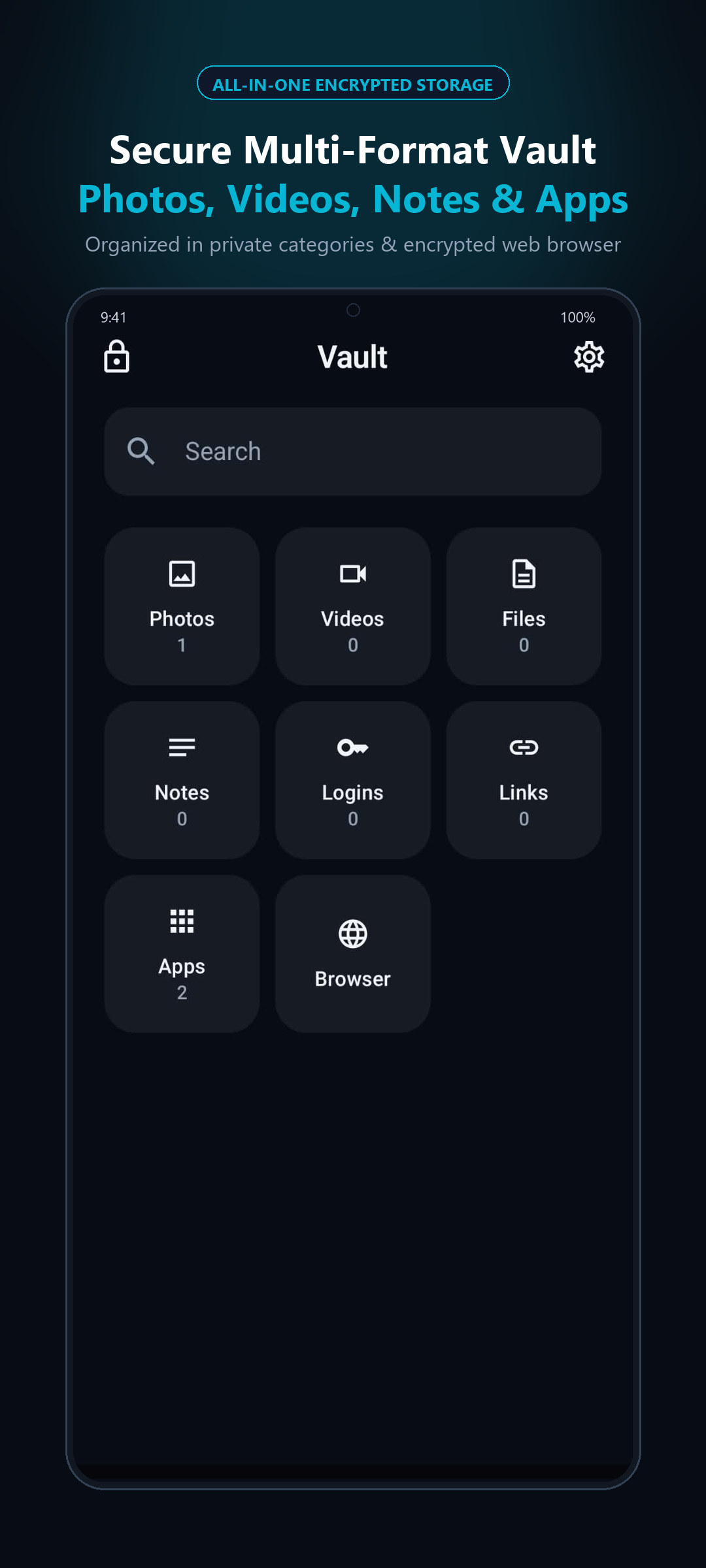
Private vault for photos, videos, notes, files, and logins. AES-256-GCM on the device. Optional encrypted share links for messages and logins — the open password is never in the link.
Package: com.havenvault.app · Version 1.1.0
AES-256-GCM Encryption
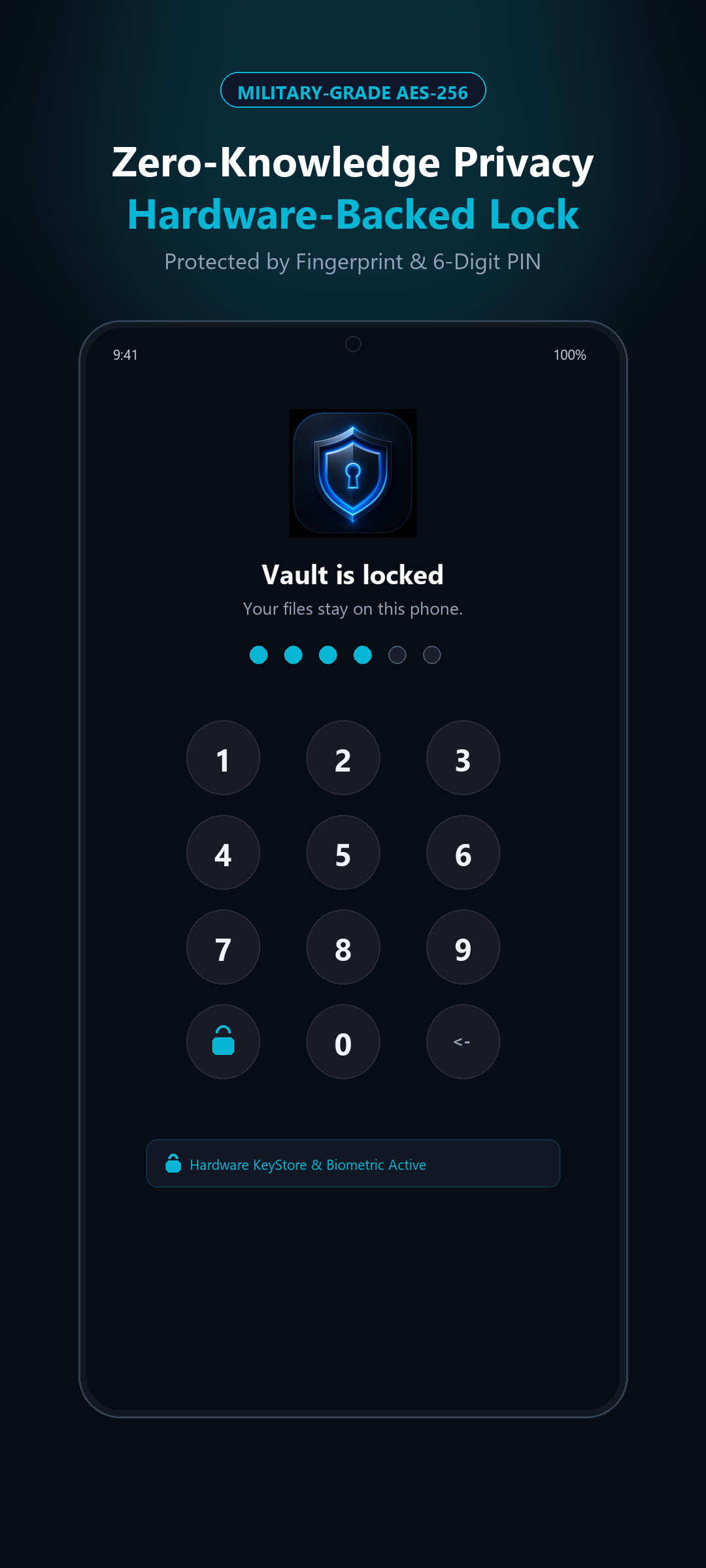
Vault files stay on the phone. Keys are derived with PBKDF2 and stored in Android KeyStore on supported devices.
File Encryption
Encrypt any file into a password-protected .haven package, or decrypt it later on another device that has Haven Vault.
Text & Login Share
Send an encrypted message or a full login (site, username, password, notes, 2FA) with a short link. Recipients without the app are sent to download it.
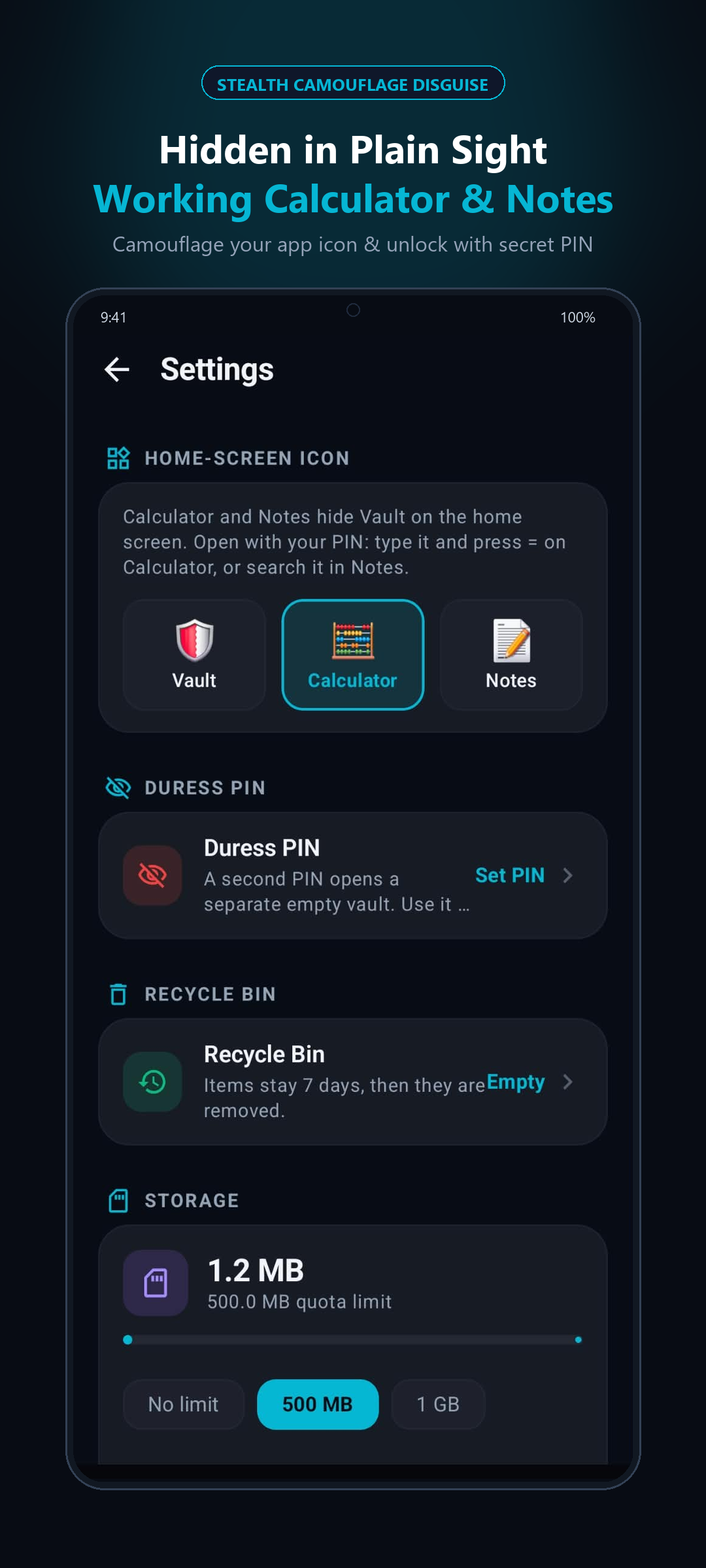
Duress Mode
A secondary PIN opens a separate decoy vault so your real files stay hidden if you are forced to unlock the app.
Stealth Launchers
Disguise the app as Calculator, Notes, Weather, Clock, and other utilities. Unlock the real vault with your PIN.
Password Manager & 2FA
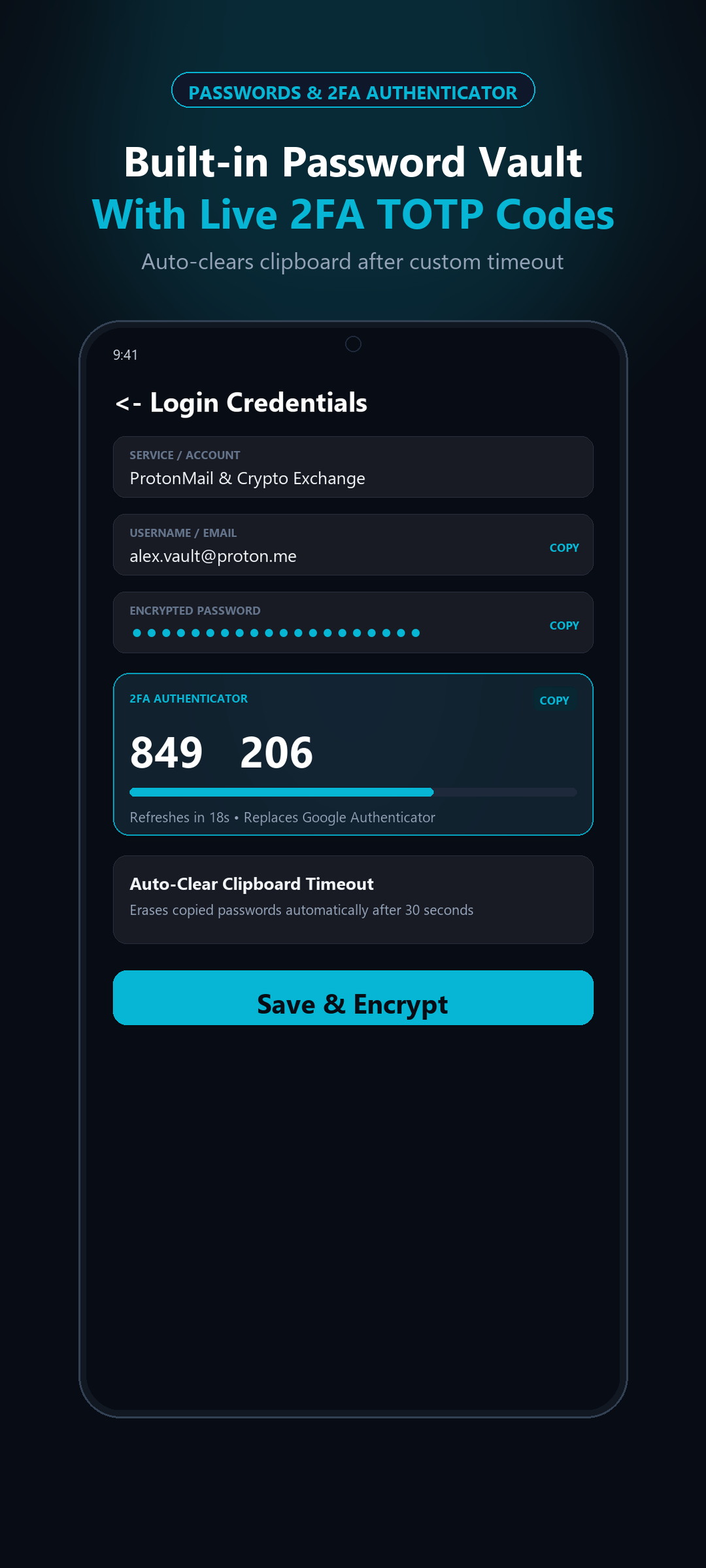
Store logins, generate strong passwords, copy with auto-clear clipboard, and show live TOTP codes.